- What Is All In One SEO Pack Pro?
- How To Install & Activate All In One SEO Pack Pro?
- All In One SEO Pack Pro Setup Wizard
- Conclusion
When it comes to optimizing a WordPress website for search engines, All in One SEO Pack Pro (AIOSEO Pro) stands out as one of the most powerful, user-friendly tools available. Known for its simplicity, deep optimization features, and impressive automation capabilities, this premium plugin has become a favorite among bloggers, marketers, and businesses of all sizes.
What Is All In One SEO Pack Pro?
All in One SEO Pack Pro is the premium version of the classic All in One SEO plugin, used by millions of WordPress websites. The Pro version adds advanced features tailored for serious SEO work.
How To Install & Activate All In One SEO Pack Pro?
Download All In One SEO Pack Pro Free
Please read this section carefully to correctly install, activate and setup the premium plugin All In One SEO Pack Pro.
The first thing we need to do is downloading the plugin. To do so, you need to register on our site and be logged-in (it’s free).
After you have successfully registered and are logged in, just click the button below to download AIOSEO Pro for free.
If our work has helped you build, learn, or grow, please consider supporting the project with a small donation.
Install All In One SEO Pack Pro in WordPress
First, login to your website via:
https://yourdomain.com/wp-admin
You should see the following screen:
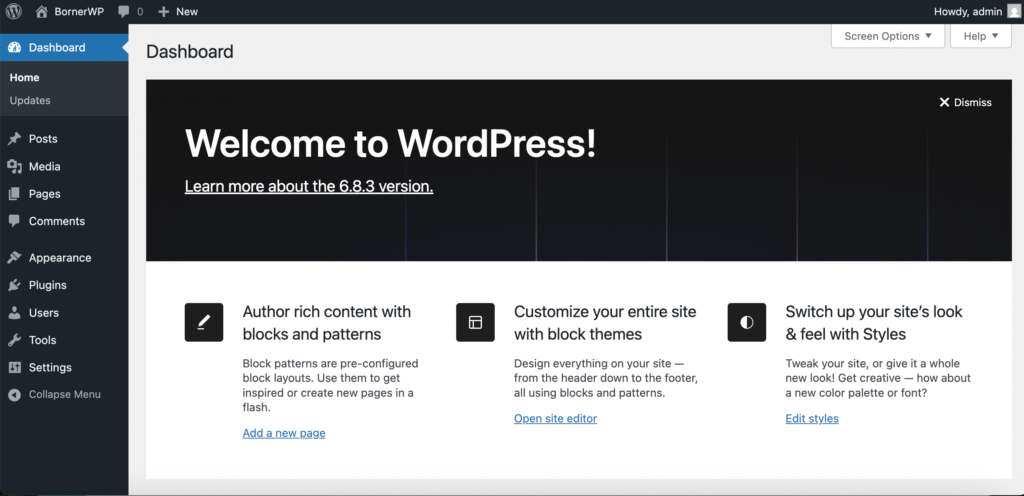
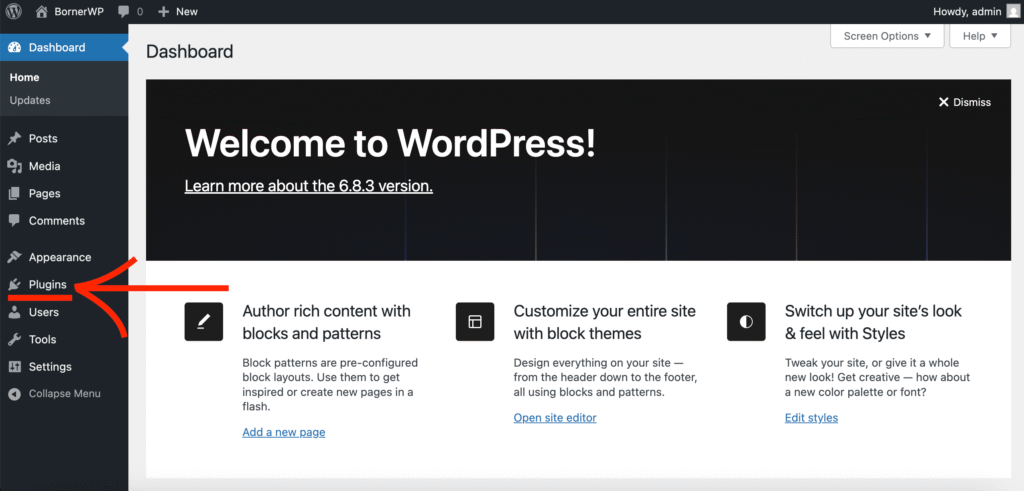
Now click on ‘Plugins’ in the left menu:
Once you’ve clicked on the Plugins section, a new window will appear and will look like:
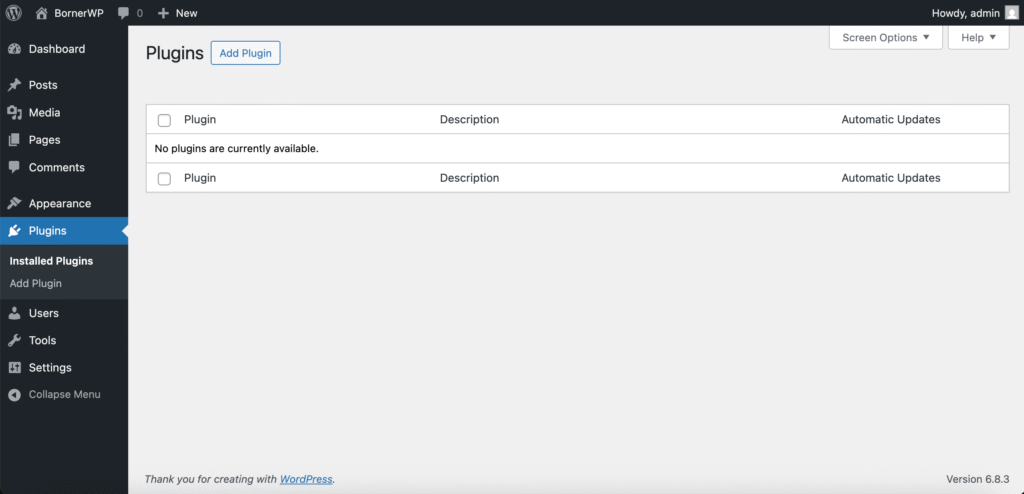
Here you will see a list of installed plugins. Next, click on ‘Add Plugin’.
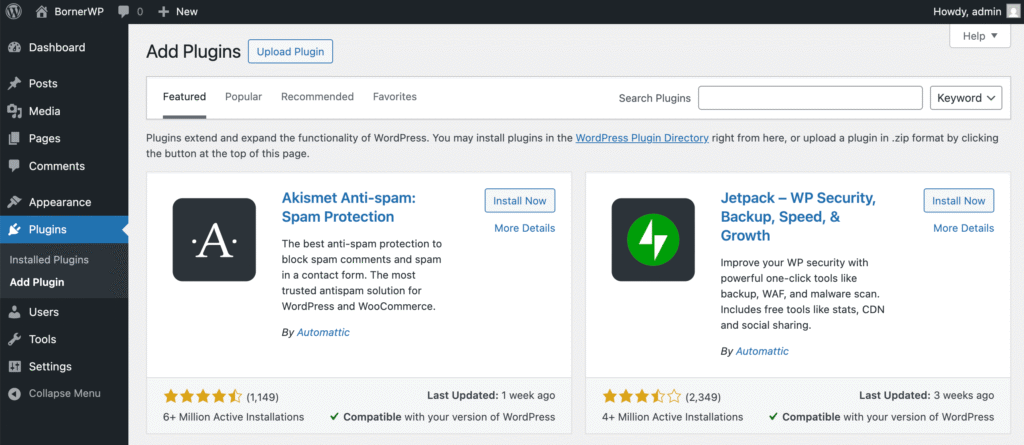
In this area you can install any WordPress plugin from the official repository.
As we have already downloaded the plugin we need, we can install it via the ‘Upload Plugin’ section. Click on the button at the top and a new screen will appear:
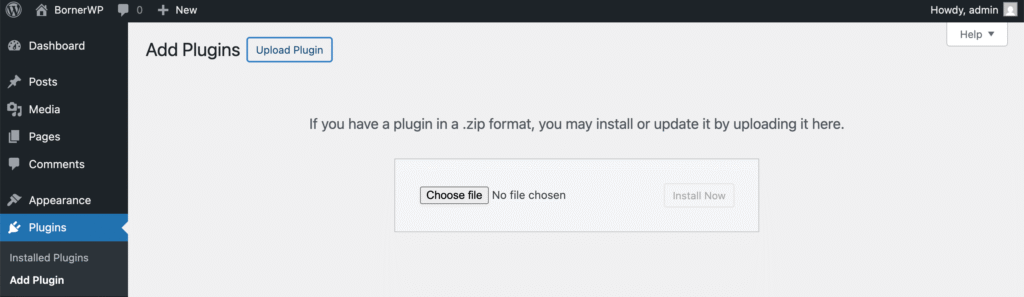
In this section we have to install our desired plugin.
All WordPress Plugins are in ZIP format. Sometimes you have to UNZIP the file before uploading it in WordPress.
In this case, since AIOSEO Pro also includes add-ons, we need to unzip the file first before uploading it, as it is required to install these add-ons separately.
Next, click on ‘Choose file’ and select the correct file to install the plugin.
Click on ‘Install Now’.
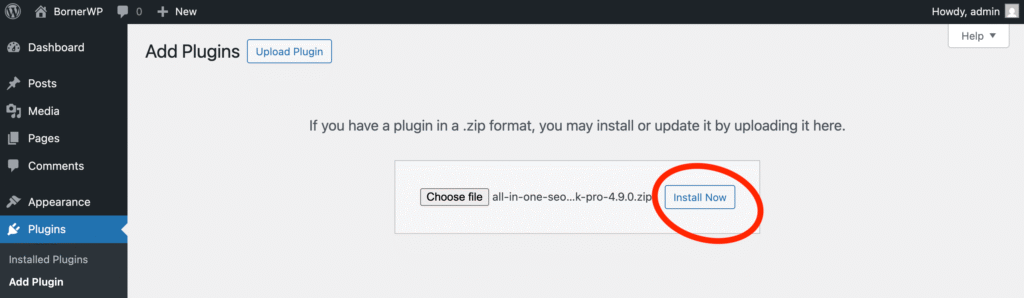
A new window will appear:
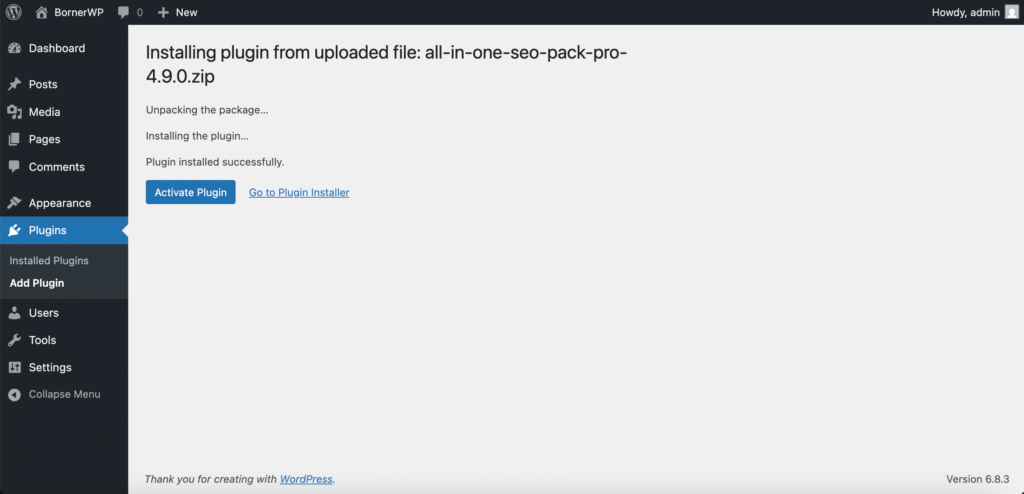
Click on ‘Activate Plugin’.
All In One SEO Pack Pro Setup Wizard
After activating the plugin, you will see a new window appear with two options. Either going back to your dashboard and configuring the plugin settings later, or setting the plugin up with the wizard.
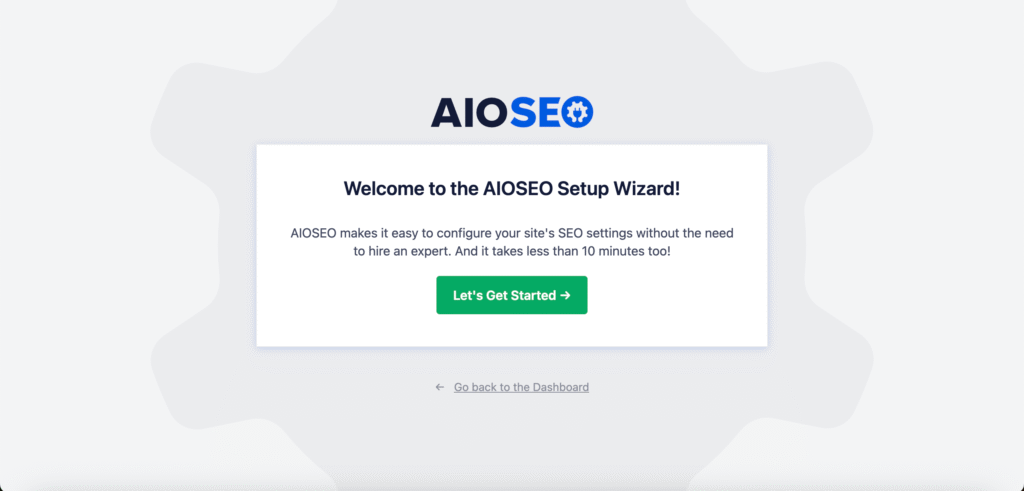
Click on ‘Let’s Get Started’.
Step 1: Which category best describes your website?
In this section you will have to select which category best describes your site. You can choose from seven options; a blog, a news channel, an online store, a small offline business, a corporation, a portfolio, or a custom option.
You can also select how your home page title will appear in search engines.
We recommend using only the Site Title and deleting the separator as well as the tagline.
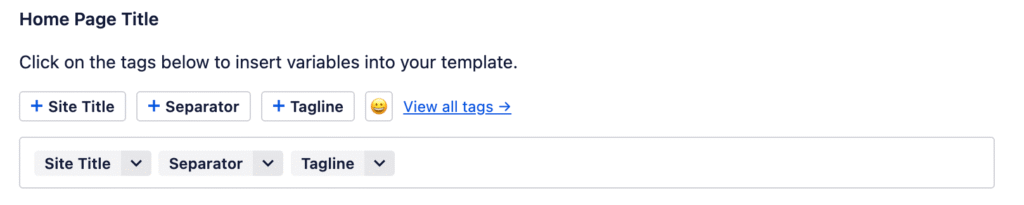
You can do the same for the home page meta description.
Click on ‘Save and Continue’.
Step 2: Additional Site Information
Here you can add more details about your organization, or yourself if it is a personal site. If you do not wish to enter such information just skip it and click next, these are not mandatory fields.
Step 3: Which SEO features do you want to enable?
Next you will have to decide which features you want to enable. There are two features that are preselected, which you cannot delete. Other additional features include:
- Broken Link Checker
- Analytics
- Conversion Tools
- Image SEO
- Author SEO
- Local SEO
- Video Sitemap
- News Sitemap
- Smart Redirects + 404 Detection
- Link Assistant
- Index Now
- REST API
- Advanced Rich Snippets + Schema Markups
- Email Reports
Choose your desired features and click continue. The process may take a few minutes. Be patient.
Step 4: Search Appearance
Here you can configure additional settings to display your site in search engines such as Google, Yahoo, Bing, DuckDuckGo, or others.
Basically you can decide whether your site is still under construction, or if it is live and other settings.
Step 5: Connect to Google Search Console
Connect your site to Google Search Console, or do this later.
Conclusion
It is not enough to install, activate and setup All In One SEO Pack Pro. You need also to optimize your pages and posts for SEO to improve your rankings and thus, increase traffic and sales in your website.
Do you have more questions? Contact us or comment down below. We’d love to hear from you!
Leave a Reply